Make a fan chart from your MyHeritage tree
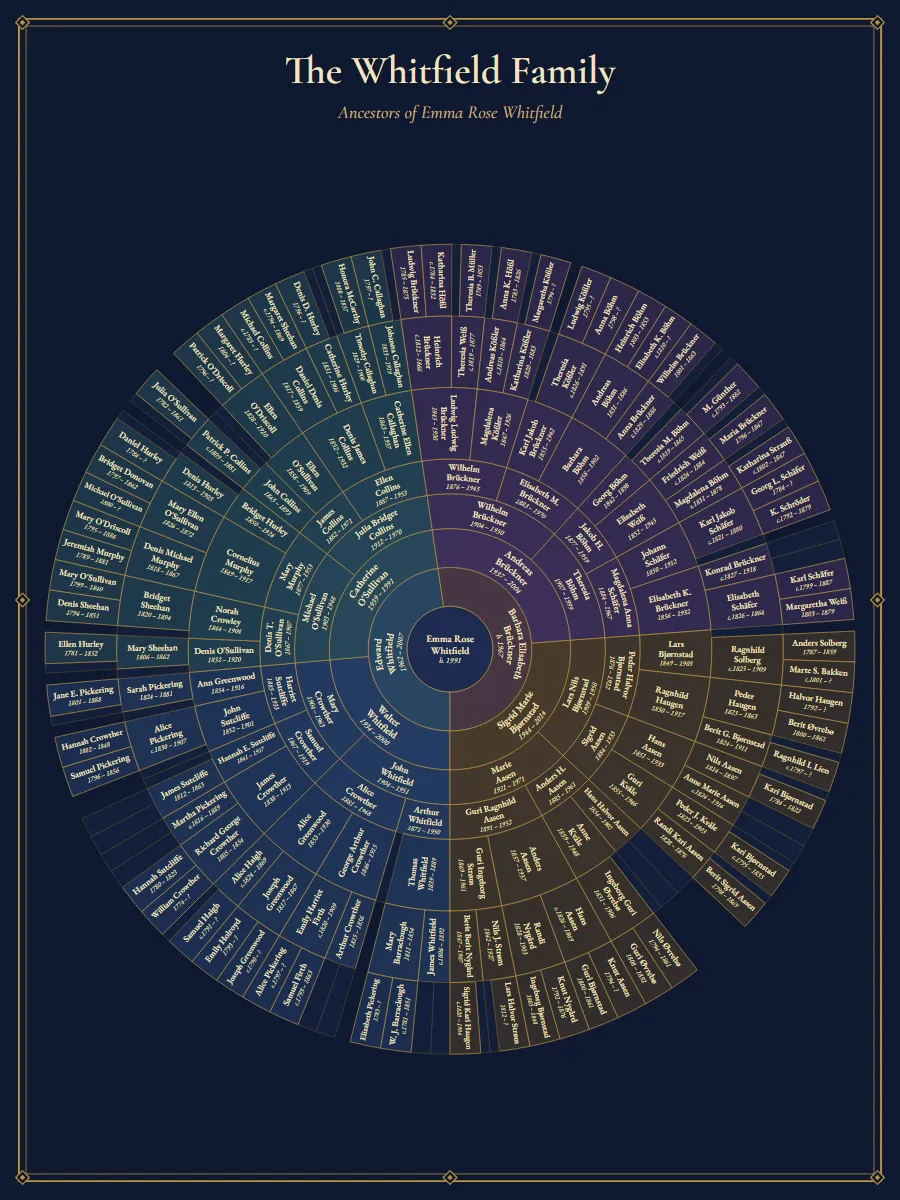
Bring your MyHeritage family tree onto paper as a fan chart, a classic tree or a pedigree poster, in the style you like.
Four steps
- Export your tree. On MyHeritage, open Family tree → Manage trees and click Export to GEDCOM next to your tree. You don't need to include photos. Our MyHeritage export guide walks through it.
- Open it in the studio. In Fan Chart Studio, click Open GEDCOM file. The file is read in your browser; nothing is uploaded.
- Choose the center person and a style. Search for anyone in your tree to put them at the center. Then choose a half fan, ¾ fan, full circle, classic tree or pedigree chart, a color theme, and up to 10 generations.
- Print it. Download a vector PDF that prints sharp at any size, or order it printed and framed.
Good to know for MyHeritage users
- One tree per file. If your family site has several trees, export the one with your direct ancestors.
- Maiden names. MyHeritage stores women under their birth surname, which is what genealogy charts traditionally show.
- Names and alphabets. Accented letters (Müller, Łódź, Gutiérrez) and Cyrillic print correctly. Hebrew, Arabic and Asian scripts aren't supported on charts yet. If your tree has names in those alphabets, add a Latin-alphabet spelling or tell us you'd like them supported.
- Living relatives. Tick Hide dates of living people before sharing your chart online.
- Corrections stay on the chart. Click anyone to fix a name or date before printing. Your MyHeritage tree isn't changed.
Make your MyHeritage fan chart
Free for up to 5 generations. Your file never leaves your computer.
Open your GEDCOM fileMyHeritage® is a trademark of MyHeritage Ltd. Fan Chart Studio is independent and not affiliated with MyHeritage.